RAYMOND SCHUSCHU
GLOBAL IMAGE
Professional Senior Model
Commercial · Lifestyle · Luxury · Corporate
Executive presence. Global experience. Camera-ready
Available for campaigns in the USA, UK, Europe, and Dubai.
Raymond Schuschu
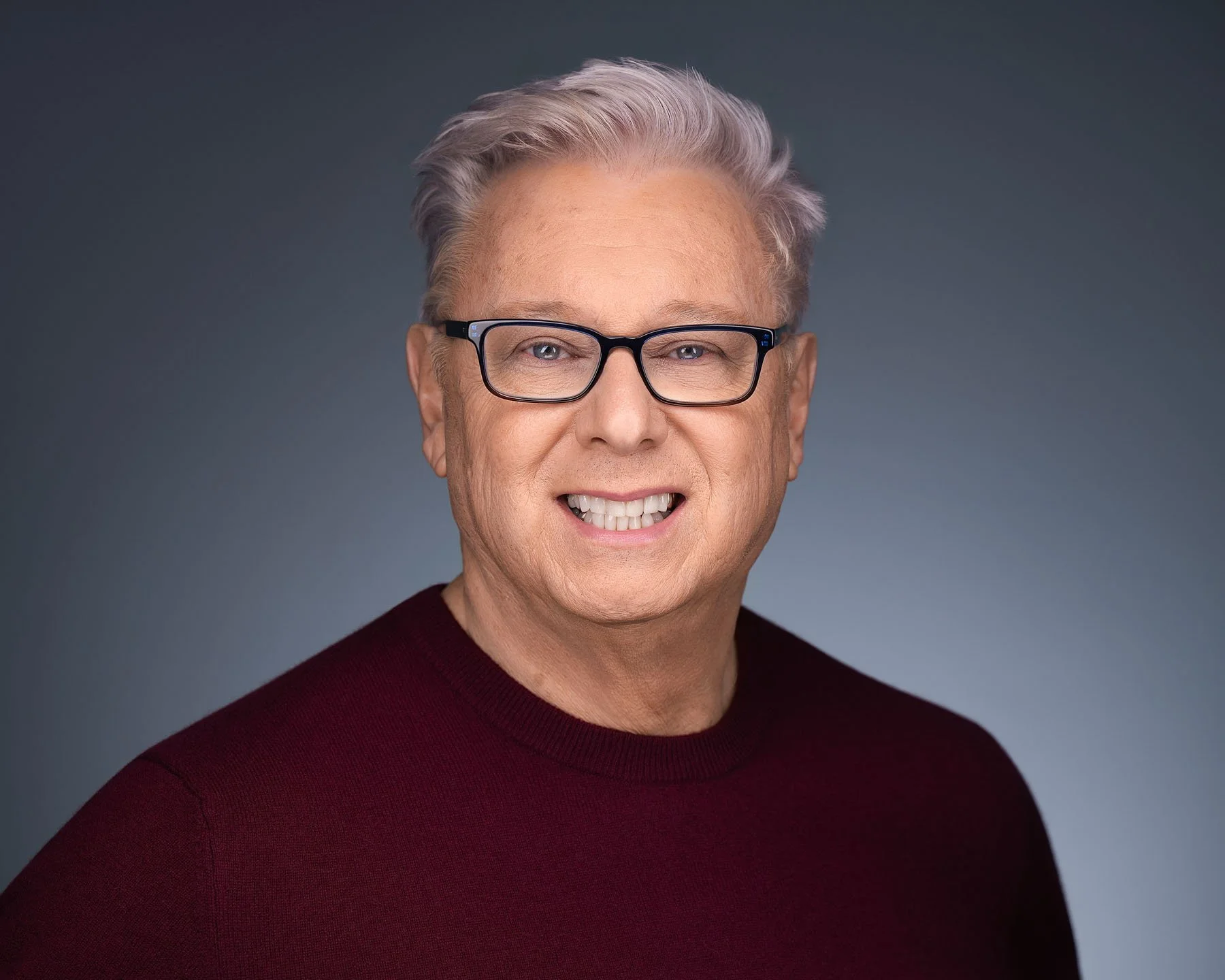
Senior Lifestyle & Commercial Model
Professional senior lifestyle and commercial model with a background in international business, luxury travel, executive branding, and global relationship development.
Representing an experienced, sophisticated, and approachable image for brands focused on:
Luxury lifestyle
Hospitality and travel
Healthcare and wellness
Executive and business campaigns
Commercial print
Mature men’s fashion
Resort and destination marketing
With more than 20 years of global business experience, Raymond brings authenticity, professionalism, confidence, and an international perspective to every project.
Currently seeking agency representation and commercial opportunities throughout the United States, the United Kingdom, Europe, and Dubai.